UX & User Flows
The structure underneath the product: what happens in what order, and how someone gets from intent to done without a detour.

Application Design
Product design that people can actually use. App and web interfaces designed end to end, from flows and wireframes through to a component library your developers can build against.
Book a Demo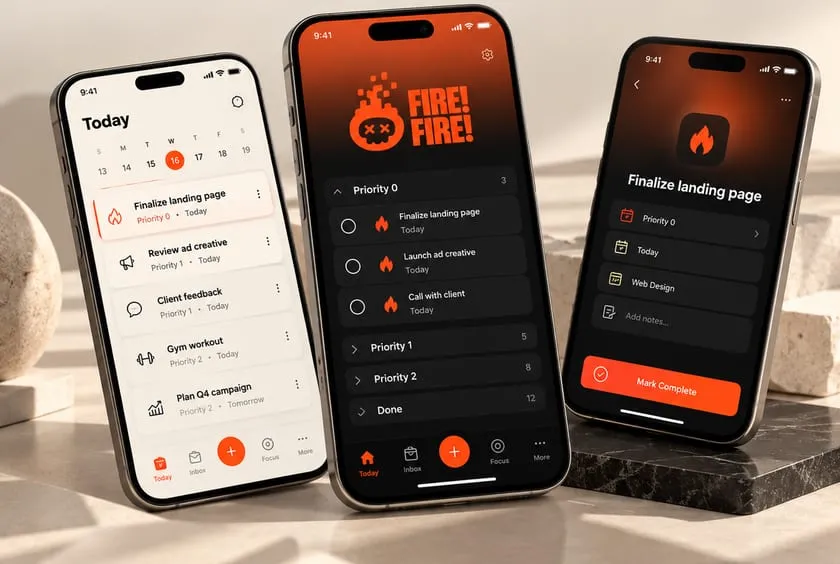
Product UI/UX
Interfaces people understand without a manual
Design Systems
Components your engineers can build once
Dev-Ready Specs
States, spacing and behaviour documented
The Problem
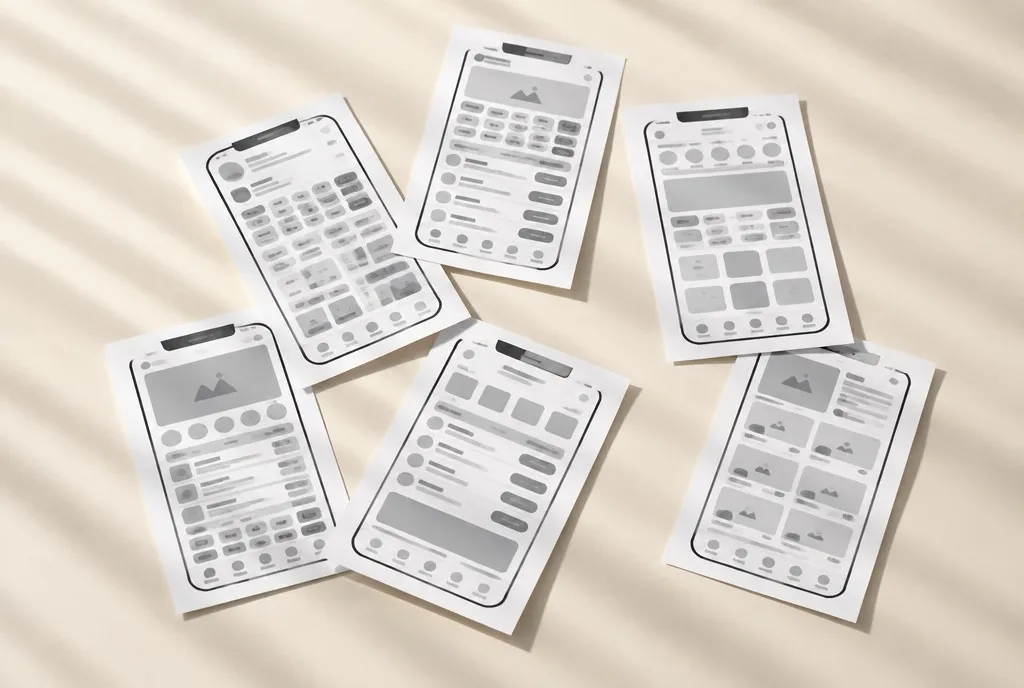
Software gets judged in the first two minutes. If someone cannot work out what to do next, they do not persevere and they do not contact support. They leave, and your analytics records it as a drop-off with no explanation attached.
Most product design problems are not visual. They are structural: too many choices on one screen, a flow built around how the database is organised rather than how a person thinks, and empty, loading and error states nobody designed, so the interface falls apart exactly when the user is already struggling.
Then every new feature is designed slightly differently, and the product slowly stops feeling like one product.
The Solution
We design software around the job the user came to do. Flows first, so the structure is right before anything is styled, then interface design that makes the next action obvious without anyone having to think about it.
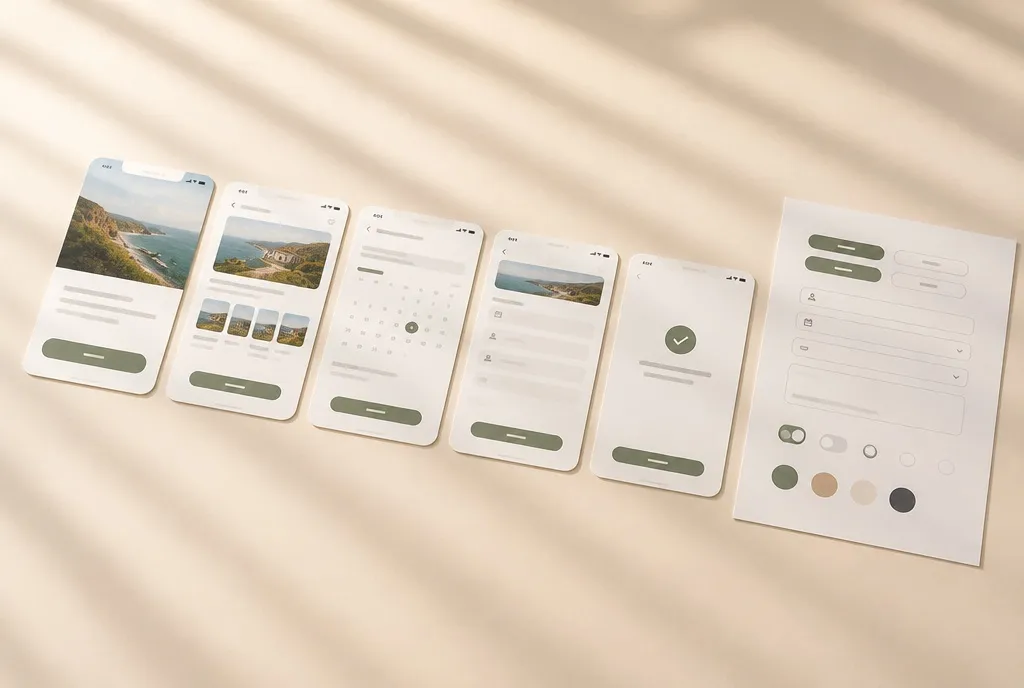
Every screen is specified properly, including the states teams usually forget: empty, loading, error, success, and what happens on a small screen. Those states are most of the real experience.
You get a component-based design system rather than a folder of screens, so your engineers build each piece once and the tenth feature still looks like the first.
What We Design
UX & User Flows
The structure underneath the product: what happens in what order, and how someone gets from intent to done without a detour.
Interface Design
Every screen designed in full, with the hierarchy pointing at the next action rather than competing with it.
Design Systems
Components, tokens, spacing and type as a documented system, so engineering builds once and future features stay consistent.
Prototypes & Dev Handoff
Clickable prototypes for testing before anyone writes code, and specs with every state, measurement and behaviour your developers need.
Who This Is For
How It Works
We learn the product, the user and the constraints your engineering team is actually working under.
We map the structure and the journeys before any visual design, because styling the wrong flow is wasted effort.
We design the screens in full, including the empty, loading and error states most projects leave until it is too late.
We turn the screens into a documented component system so the product stays coherent as it grows.
Your developers get specs, assets and prototypes with the behaviour written down, not implied.
Common Questions
Figma, which is what most engineering teams already use for inspection and handoff. We can work elsewhere if your team has a different standard.
We design. We work alongside your engineering team or your development partner, and we specify thoroughly enough that handoff is not a guessing game.
Yes. Redesigns and feature work on a live product are common, and we will usually audit what exists before changing it.
Both. The screens are what you look at, the system is what keeps the product consistent as your team ships new features.
Book a demo and we will talk through your product, your users and what the first release needs to do.
Book a Demo